About Turbo Dither
Private, in-browser image dithering with classic algorithms, retro palettes, and creative controls for pixel art, GIF conversion, and camera workflows.
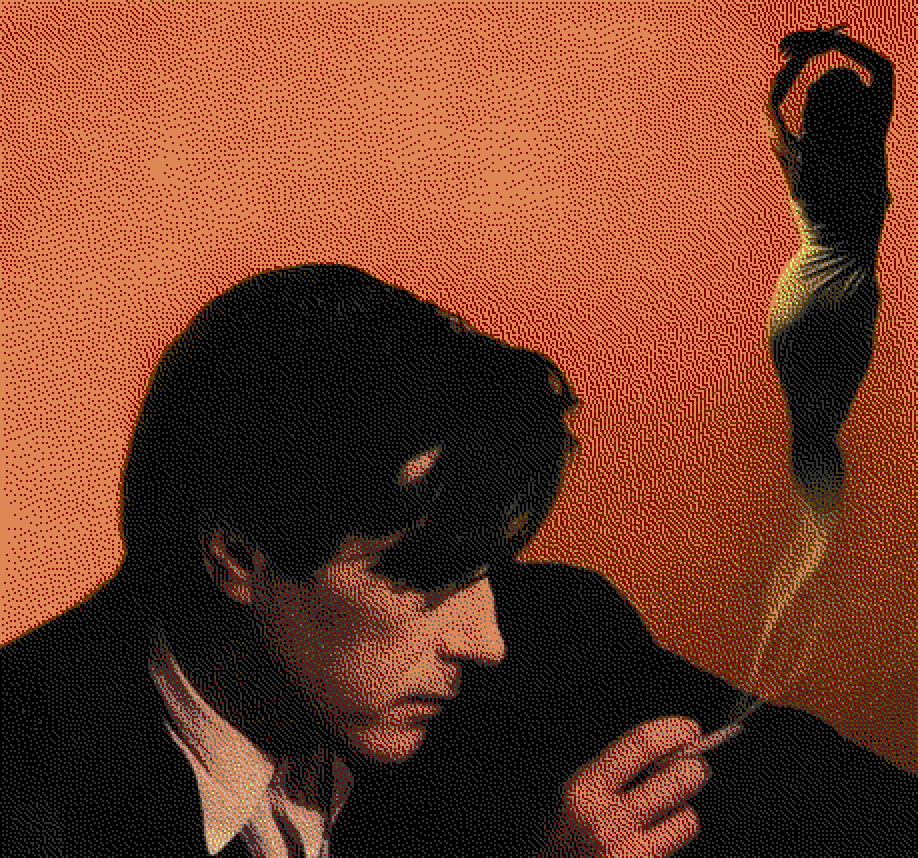
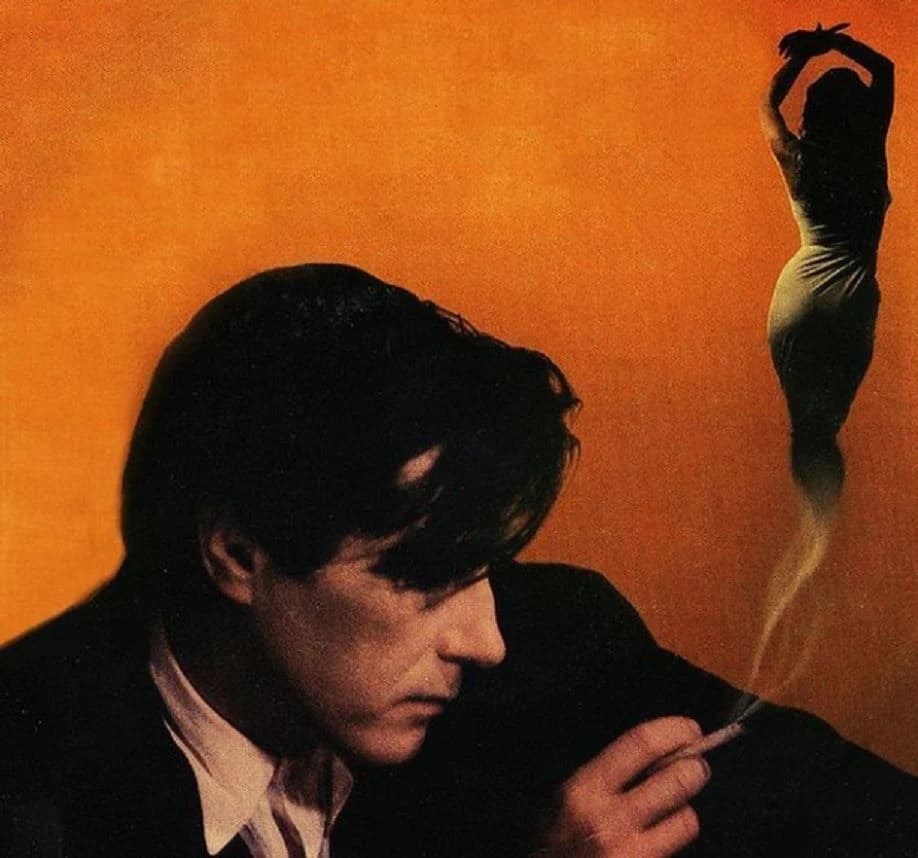
Why Turbo Dither?
Built for artists, developers, and retro enthusiasts. We combine classic algorithms with modern web technology for a seamless experience.
Blazing Fast
Powered by Web Workers, image processing happens off the main thread. Experience real-time adjustments without UI freezing, even on large images.
Privacy First
Zero server uploads. All processing happens locally on your device. Your photos never leave your browser, ensuring complete privacy and security.
Creative Control
Mix and match 8+ algorithms with 15+ classic palettes. Use the Paint Mode to manually refine pixels or create composite artwork.
Live Camera & Video
Apply dithering effects to your webcam feed in real-time. Record video clips with CRT and Glitch effects baked in.
Retro FX
Go beyond simple dithering with post-processing effects. Add CRT scanlines, screen curvature, and digital glitch artifacts.
Steganography
Hide secret messages within your dithered images using LSB encoding. A fun way to share hidden data in plain sight.
Processing Pipeline
Understand the linear flow of how your image is transformed from raw data to a retro masterpiece.
The Algorithms
From the classic Floyd-Steinberg to the structured ordered dithering, we support a wide range of error diffusion techniques.
Floyd-Steinberg
The gold standard of error diffusion. Smooth gradients, good detail, minimal artifacts.
Atkinson
High contrast, lossy diffusion made famous by HyperCard on the original Macintosh.
Ordered (Bayer)
Pattern-based dithering using an 8x8 threshold map. Creates a distinctive cross-hatch look.
Stucki
Clean and sharp. Minimizes error bleeding for a crisper result than Floyd-Steinberg.
Jarvis-Judice-Ninke
Complex diffusion for very smooth gradients, though computationally more expensive.
Sierra-3
A balanced algorithm offering high quality similar to Jarvis but with slightly better performance.
Classic Color Palettes
Algorithms determine where the pixels go, but Palettes determine what colors are used. Explore our comprehensive database of retro system colors.
Browse Palette Database
View Hex/RGB codes for Game Boy, NES, CGA, and 12+ other classic systems.
Control Panel Deep Dive
Master the fine-tuning controls. Explore how every slider and toggle manipulates the dithering process in real-time.
Dithering Basics
Explore how different algorithms and resolution scales affect the retro look. Lower the scale for a chunkier pixel-art vibe.
Error Diffusion
Control how error spreads to neighboring pixels. Low values create high-contrast patterns; high values are smoother and noisier.
Color & Palette
The palette is the soul of the dither. See how restricting colors changes the mood. Boost saturation to help colors 'snap'.
Pre-Processing
Adjusting the source image before dithering is crucial. High contrast often produces cleaner 1-bit art.
Retro Effects
Post-processing effects like CRT scanlines and Glitch artifacts add the final layer of nostalgia.
Specialized Tools
Explore our collection of specialized dithering tools, pre-configured for specific retro aesthetics and creative effects.
Game Boy Camera Filter
Convert photos to the classic 4-color Game Boy aesthetic.
NES Pixel Art Maker
Authentic 8-bit graphics from the golden age of gaming.
Game Boy Pocket Converter
Sharp grayscale dithering matching the Pocket LCD.
Macintosh Dither Tool
Classic 1-bit Atkinson dithering from 1984.
Commodore 64 Graphics Tool
The best-selling home computer's distinctive 16-color palette.
ZX Spectrum Art Generator
Vibrant colors and high contrast from the 80s home computer.
Apple II Graphics Tool
Simulate the quirky High-Res colors of the Apple II.
CGA Graphics Converter
Relive the 1980s with authentic CGA color palettes.
MSX Graphics Tool
Vivid 16-color palette from the MSX standard.
Glitch Art Generator
Create digital distortion and glitch aesthetics.
1-Bit Pixel Art Converter
Pure black and white dithering for a crisp retro look.
Pico-8 Dither Tool
The cozy, vibrant palette of the fantasy console.
Floyd-Steinberg Dithering
The industry standard for error diffusion dithering.
Atkinson Dithering Tool
High-contrast dithering popularized by Apple.
Ordered Dithering Tool
Structured shading using the Bayer matrix.
GIF Dither Converter
Convert animated GIFs into retro pixel art frame by frame.
Photo to Pixel Art Converter
Convert photos to clean retro pixel art in seconds.
Halftone Generator
Generate print-style halftone dots with ordered dithering.
Free Online Image Dither Tool
Fast, private dithering in your browser with PNG/GIF export.
Ready to Dither?
Start creating your own retro aesthetics now. It's free, open-source, and runs everywhere. Visit our Learn Hub to master the techniques, check out the Gallery for inspiration or try the Live Camera.
Launch AppFrequently Asked Questions
Image dithering is a technique that creates the illusion of color depth in images with limited color palettes. By strategically distributing pixels, dithering simulates colors that aren't in the palette, creating smooth gradients even with severe color restrictions.
Yes! Turbo Dither is completely free with no watermarks, no account required, no file size limits, and no hidden costs. All processing happens in your browser, and your images never leave your device.
Floyd-Steinberg is best for general-purpose photos and natural images. Atkinson creates high-contrast, sharp images perfect for retro Mac aesthetics. Ordered (Bayer) produces classic crosshatch patterns for vintage looks. Jarvis-Judice-Ninke offers the smoothest gradients with minimal artifacts.
Yes! Use the "Ordered (Bayer)" algorithm and adjust the "Dither Scale" to create stylish halftone patterns. You can also use the Pattern Editor to design your own custom halftone matrices for unique effects.
Yes! Use the Paint Mode to draw pixel-perfect details directly onto your dithered image. You can also use the Fill Selection Tool to apply patterns or solid colors to specific areas, giving you complete creative control over the final result.
Yes! Turbo Dither offers built-in effects like CRT Effects, which adds scanlines, vignette, and flicker for a retro monitor look. You can also enable Glitch Effects to introduce digital distortion and color shifting, perfect for a cyberpunk aesthetic.
No. All image processing happens entirely in your browser using Web Workers. Your images never leave your device, ensuring complete privacy and security. We don't store, track, or have access to any of your images.
You can upload any common image format (JPEG, PNG, WebP, GIF). The dithered image is exported as a PNG file to preserve pixel-perfect quality without compression artifacts.
Yes! Turbo Dither supports animated GIFs. Each frame is dithered individually while preserving the original animation. Note that processing time may be longer for GIFs with many frames.
Yes! There are no watermarks or usage restrictions on images you process with Turbo Dither. You own your images and can use them for any purpose, including commercial projects.
Yes! Select "Custom" from the palette dropdown menu. This opens a color editor where you can add, remove, and modify specific colors to create a unique palette for your image processing.
We offer historically accurate palettes from classic systems: CGA 4-color, Game Boy, ZX Spectrum, NES, Commodore 64, Apple II, Pico-8, and various grayscale options. Each palette recreates authentic retro aesthetics from vintage computers and gaming consoles.
Large images (over 2000x2000 pixels) may take longer to process. The dithering algorithms are computationally intensive. We use Web Workers to keep your browser responsive, but very large images naturally require more processing time. Try reducing the image size first if speed is critical.
Transparency is preserved when exporting as PNG. Fully transparent pixels remain transparent through the dithering process. For animated GIFs, transparent frames are preserved where the GIF format supports it, but results can vary depending on frame composition and the palette used.
Turbo Dither runs in modern browsers that support Web Workers and recent JavaScript features — current versions of Chrome, Edge, Firefox, and Safari. For the best performance, use the latest stable browser release on desktop or mobile.
You can process large images, subject to your device memory and browser limits. Very large images will take longer and may hit memory constraints. There's no built-in batch uploader in the UI yet, but it will be added in a future update.
We welcome issues and contributions. With a quick DM on Twitter (@kosa12), you can report bugs or suggest features.
Animated GIFs are supported and processed frame-by-frame. For a static result, export as PNG to preserve pixel-perfect quality. If you need other formats or advanced export options, consider downloading the processed frames and using an external tool to convert them.
Turbo Dither uses LSB (Least Significant Bit) steganography. It hides your message by slightly modifying the color values of pixels in a way that is invisible to the human eye. To ensure the message is preserved, you must download your image as a PNG and avoid applying destructive effects like CRT or Glitch RGB after encoding.
No. The live camera dithering happens entirely in your browser using your local CPU and GPU. We do not record, store, or transmit any video or audio data from your camera. Everything stays on your device.
The Audio Reactive feature uses the Web Audio API to analyze sound frequencies entirely within your browser to modulate dithering effects in real-time. Just like our image processing, your audio files are never uploaded to our servers, and any video recordings you create are generated locally on your device.